
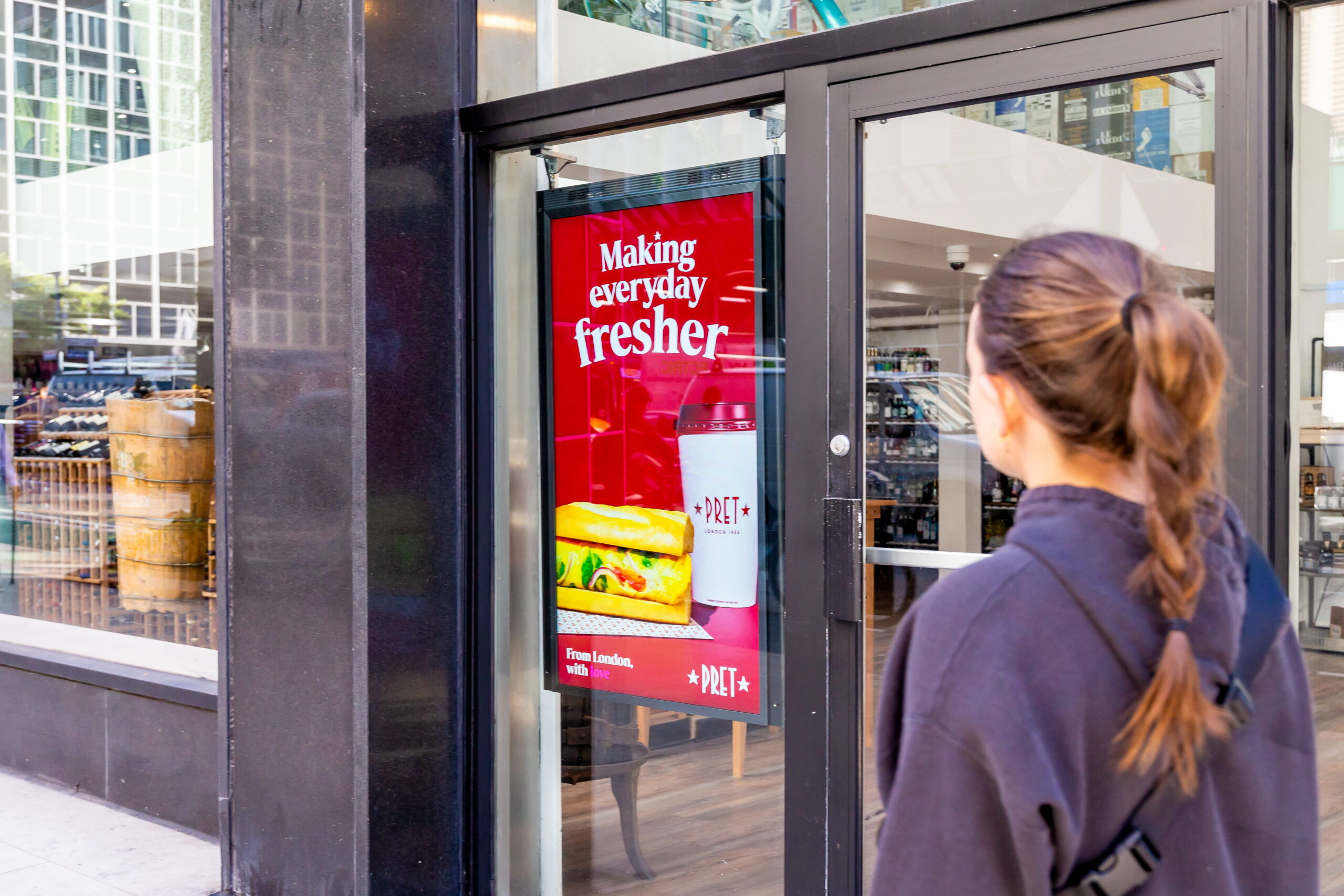
For many retailers, physical media assets are already in place, from screens in aisles and at checkout to displays above end caps and in other high-traffic areas of the store. Together with other in-store media placements, these existing assets can become a scalable, sellable media channel that generates meaningful revenue.
But monetizing an in-store network is more complicated than making ad space available. Retailers need to understand exactly what advertising opportunities they have to sell, manage campaigns across different screens and placements, and balance merchandising, operational, and advertiser priorities.
That raises some practical questions. What advertising space is available to sell? How do you make sure campaigns run where and when they’re supposed to? And how do you prove that delivery back to advertisers?
That’s where a retail media ad server comes in. It provides the infrastructure that connects a retailer’s advertising inventory — the media placements available for advertisers to buy — to advertiser demand, helping teams sell, schedule, deliver, optimize, and measure campaigns across their networks.
What is a retail media ad server?
A retail media ad server is a platform that helps retailers manage and monetize advertising inventory across their retail media network. That network can include everything from websites and apps to email, loyalty programs, and physical in-store placements. For retailers monetizing their in-store screens, an ad server provides the infrastructure to manage advertising opportunities across their in-store media network.
While ad servers originated in online advertising, in-store retail media comes with a different set of considerations. Retailers aren’t just managing ad space; they’re balancing media campaigns with merchandising priorities, supplier relationships, store operations, and the overall shopper experience.
Across an in-store screen network, advertising opportunities can vary by store, screen, location, and time. An ad server brings those opportunities and the campaigns running across them together in one place, giving retailers a central way to manage booking, scheduling, delivery, optimization, and reporting.
Ad server vs. digital signage CMS: What’s the difference?
A digital signage content management system (CMS) and a retail media ad server play different but complementary roles. Put simply, a CMS helps you operate your network, while an ad server directly monetizes it.
A CMS handles the day-to-day management of screens and content, including playlists, scheduling, devices, and network operations. An ad server focuses on the advertising business across those screens, helping retailers understand what inventory is available to sell, book and manage campaigns, support different buying methods, optimize delivery, and report back to advertisers. It can also bring direct and programmatic demand together within the same network.
Retailers don’t have to choose between the two. An ad server can work alongside an existing CMS and broader technology stack, adding the capabilities needed to monetize in-store media without replacing the systems already in place. Broadsign’s retail media ad server, for example, can integrate with existing systems via APIs, enabling retailers to build on their current infrastructure.
When does a retailer need a retail media ad server?
There is no magic number of screens that means a retailer needs an ad server. The tipping point is complexity. Selling ten campaigns across a handful of screens is one thing. Managing hundreds or thousands of screens, stores, formats, advertisers, campaign goals, and buying models is another.
As an in-store media network grows, spreadsheets and manual processes can quickly become a bottleneck. Teams need a reliable way to understand inventory availability, manage competing demand, deliver on campaign commitments, and identify opportunities to monetize capabilities that might otherwise go unsold.
So, how do you know when you’ve reached that point?
Checklist: You may be ready for an ad server if…
- You’re spending too much time figuring out what ad inventory is available
- You can’t confidently tell a brand what inventory you can sell them
- You’re manually reshuffling campaigns to meet commitments
- You’re managing digital and static inventory separately
- Your advertisers want to buy based on impressions or audience
- You want to introduce non-endemic programmatic ads
- You oversell your ad space and can’t meet advertiser commitments
- You have ad inventory going unsold, but no easy way to identify or package it
- Your retail, trade, and media teams are managing the same inventory separately, creating a risk of double-booking
What should a retail media ad server actually do?
At its core, a retail media ad server should make it easier for retailers to manage and monetize their media inventory as their networks grow, with better visibility, greater flexibility, and less manual work.
Create a clear view of sellable inventory: Bring inventory across stores, screens, formats, and dates into one place so teams can see what’s available, what’s already committed, and where there’s additional capacity to sell.
Support more ways to buy: Accommodate campaign requests based on budgets, impressions, share of voice, takeovers, locations, dates, and other objectives, giving brands and agencies more flexibility in how they buy.
Connect sales with campaign execution: Turn campaign bookings into schedules that determine where and when ads will run, while keeping media sales, merchandising, trade marketing, and store operations aligned around the same campaign plan.
Optimize campaign delivery and inventory: Manage pacing and competing brands to help campaigns deliver as promised while making better use of available capacity and minimizing unsold inventory.
Connect with existing retail technology and data: Integrate with your existing CMS, POS, CRM, inventory, and audience platforms, while incorporating real-world data signals like product availability, time of day, weather, location, audience, or foot traffic to help plan and execute more impactful campaigns.
Provide reliable proof of delivery: Capture when and where a campaign ran, giving retailers the data they need to report on delivery and demonstrate that advertiser commitments were met.
Support direct and programmatic ad sources: Manage direct ad sales while creating the infrastructure to introduce programmatic demand, giving retailers more ways to monetize available inventory.
Building the infrastructure for scalable in-store retail media
The opportunity in in-store retail media goes beyond putting more advertising on screens. It’s about building a media channel that brands can buy reliably, and retailers can monetize effectively. Getting there requires more than putting advertising on screens. Retailers need the right infrastructure to connect inventory, sales, campaign delivery, optimization, and reporting, while working alongside the technology and data they already have.
Broadsign’s Retail Ad Server brings those capabilities together, helping retailers turn their in-store media assets into a scalable, measurable media business and drive more media revenue.