Digital out-of-home (DOOH) specs follow different rules from other digital formats — and buyers who don’t know where those differences lie tend to find out the hard way, through rejected files, stalled approvals, and delayed campaign delivery.
Whether you’re setting up a digital OOH campaign for the first time or a seasoned pro troubleshooting an approval issue, this guide covers the key creative specs you need to know to create a DOOH campaign that gets results: common display and video dimensions, accepted file types and technical requirements, and other digital OOH specs best practices and considerations before trafficking.
Working closely with our global network of media owners and publisher partners, we’ve gained first-hand insight into what they actually require from incoming DOOH creative — and the specs and requirements in this guide reflect those real-world standards. Consider this your cheat sheet for getting your campaign approved for launch the first time.
Jump to:
- Why DOOH specs differ from other digital ad formats
- Common DOOH creative dimensions and screen formats
- Digital OOH media specs: File types and other technical requirements
Why DOOH specs differ from other digital ad formats
Digital OOH operates within a closed-screen ecosystem, where media owners approve every creative before it runs on their screens. As a result, DOOH has technical requirements that don’t exist in web-based environments.
Unlike web or social advertising, DOOH doesn’t rely on open exchanges where compliant creatives run automatically without publisher review. Even when digital OOH campaigns are bought programmatically through oRTB (Open Real-Time Bidding), every creative still requires publisher approval. That process ultimately dictates accepted file types, restricted tags, and how creative rotation is managed.
The practical implication: getting DOOH specs wrong isn’t just a technical inconvenience. It triggers a revision-and-resubmission loop that stalls the approval process and delays campaign delivery. Understanding why each requirement exists makes it easier to build a compliant creative workflow from the start, rather than reverse-engineering the rules after something breaks.
READ ALSO: Best practices for high-impact OOH creative that gets noticed
Common DOOH creative dimensions and screen formats
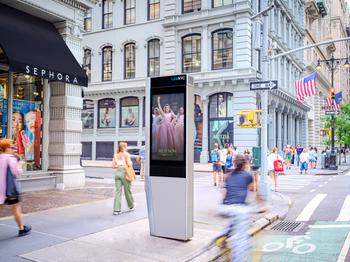
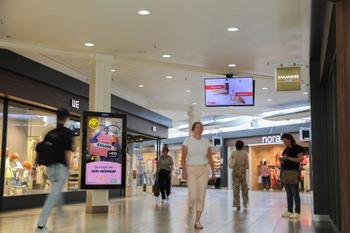
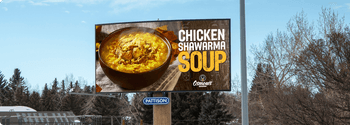
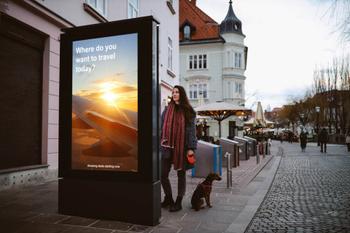
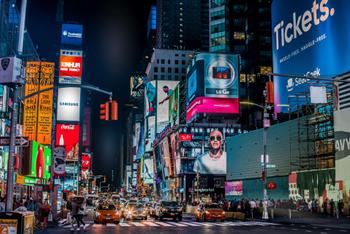
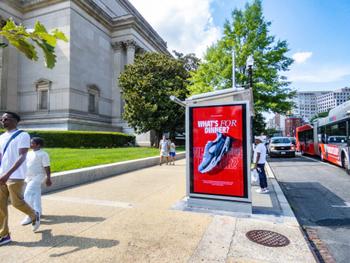
DOOH inventory spans a wide range of placements and screen types — from large-format digital billboards to transit venue displays to in-store retail screens — and each environment comes with its own standard dimensions. Across digital OOH inventory, landscape (1920×1080 px) and portrait (1080×1920 px) are among the most widely supported formats. Building creative for both orientations is recommended wherever possible, since limiting to one orientation limits access to available inventory.
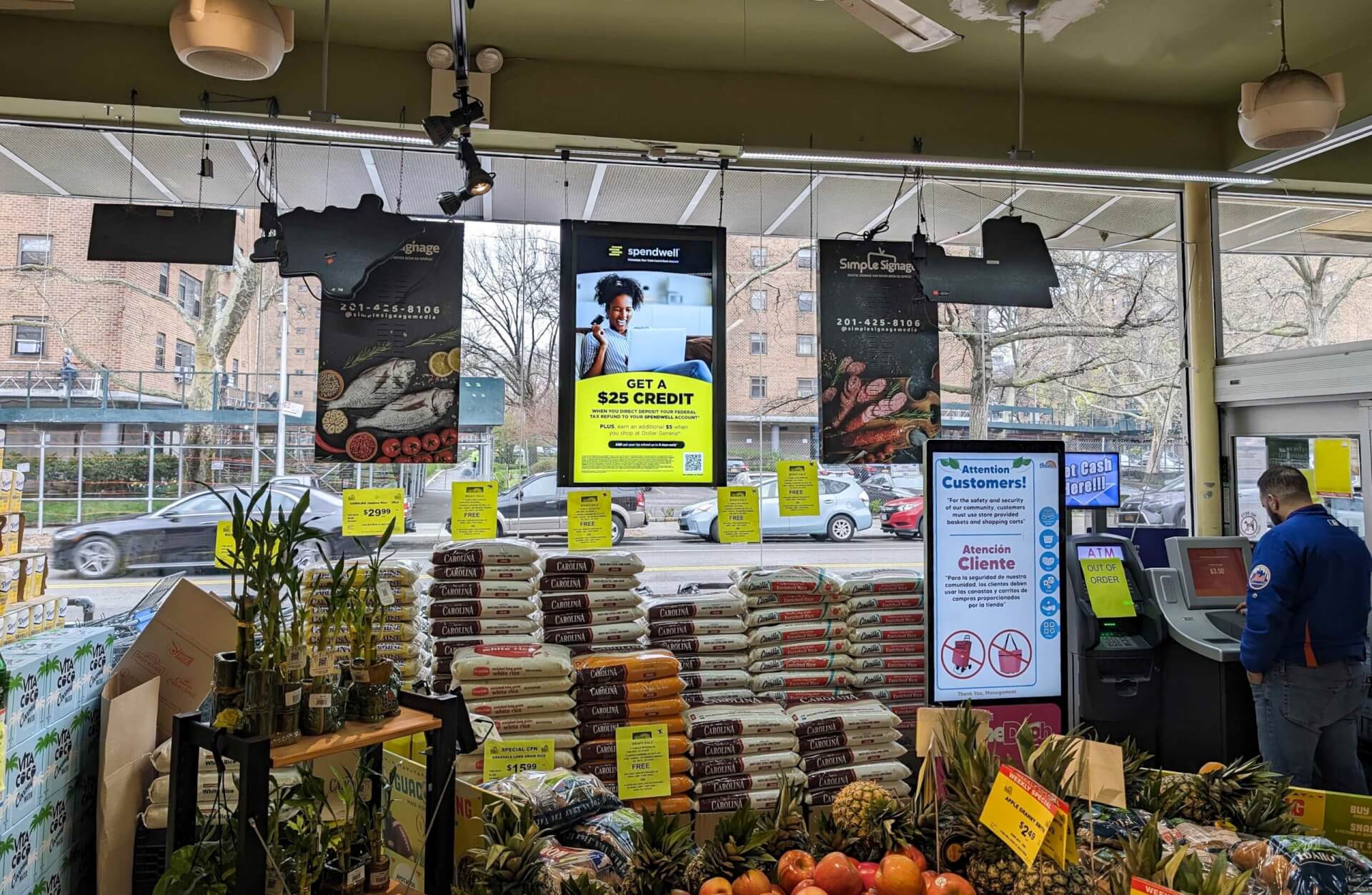
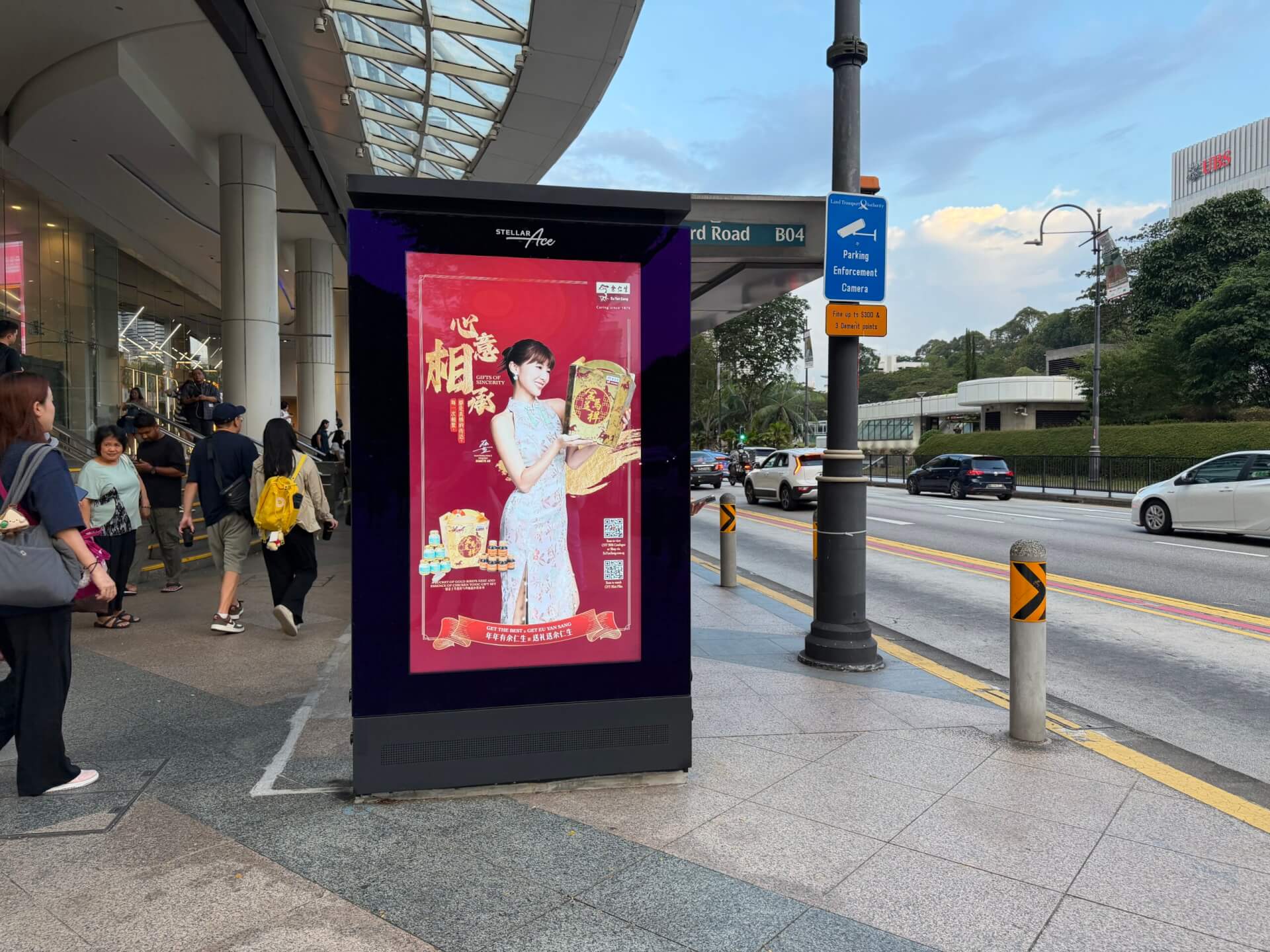
The key creative specs below represent some of the most frequently used creative sizes. While there may be notable exceptions for certain inventory types, these formats provide broad compatibility across venue categories, including Entertainment, Health and Beauty, Movie Theatres, Office Buildings, Point of Care, Residential, Retail, Transit, Urban Panels, Billboards, Taxi Tops, and more.
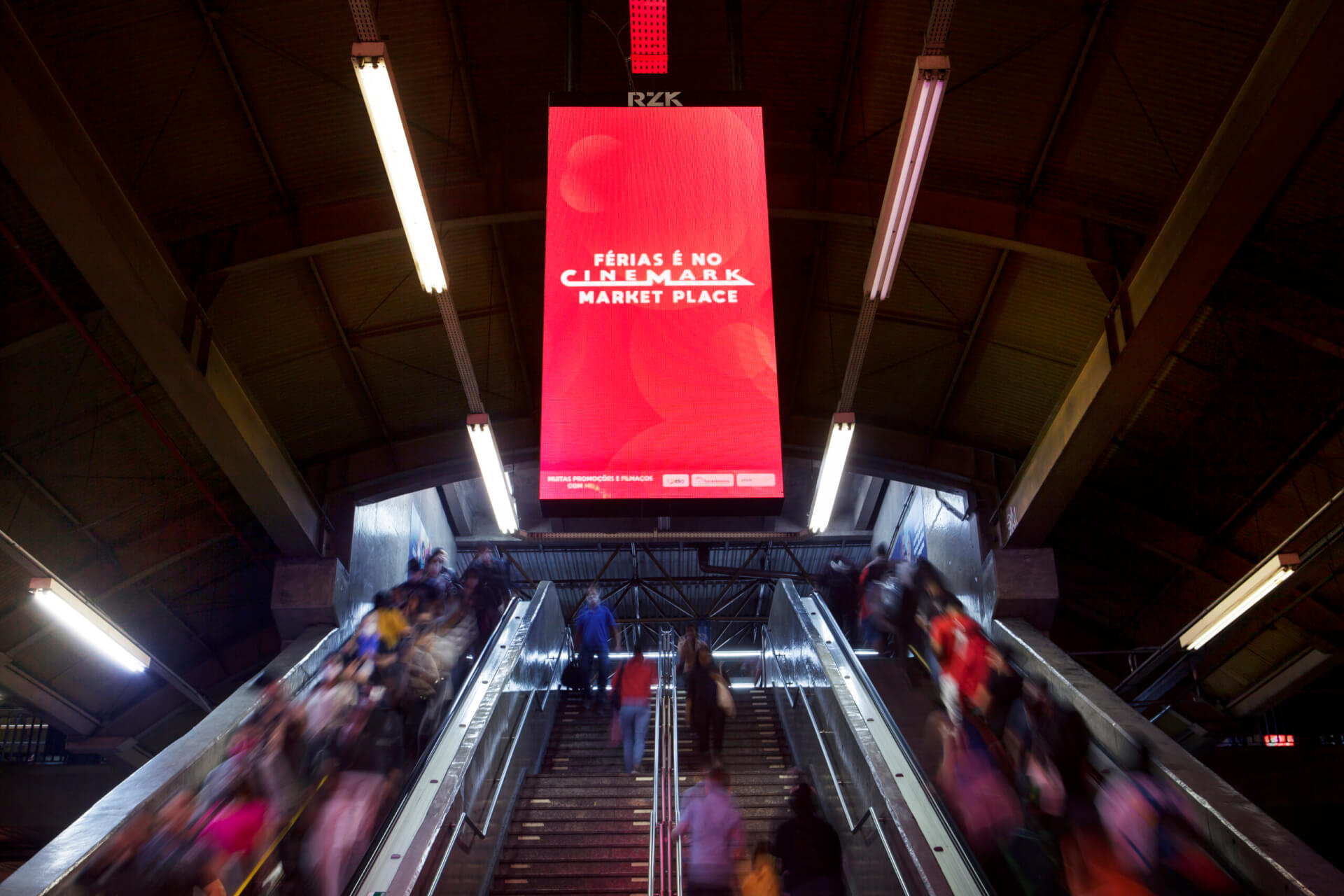


Use these dimensions as a practical baseline. They cover some of the most common aspect ratios and give your team a clear starting point for placement-specific adjustments.
Static (display) creative: Common formats
| Format | Aspect ratio | Dimensions | Common venue categories |
| Landscape (widescreen) | 16:9 | 1920 × 1080 px | Entertainment, Health & Beauty, Movie Theatres, Office Buildings, Point of Care, Residential, Retail, Transit, Urban Panels, and more |
| Portrait | 9:16 | 1080 × 1920 px | Entertainment, Health & Beauty, Movie Theatres, Office Buildings, Point of Care, Residential, Retail, Transit, Urban Panels, and more |
| Horizontal banner | 7:2 or 21:10 | 1400 × 400 px or 840 × 400 px | Billboards, Taxi Tops, Transit |
Video creative: Common formats
| Format | Aspect ratio | Dimensions | Common venue categories |
| Landscape (widescreen) | 16:9 | 1920 × 1080 px | Entertainment, Health & Beauty, Movie Theatres, Office Buildings, Point of Care, Residential, Retail, Transit, Urban Panels, and more |
| Portrait | 9:16 | 1080 × 1920 px | Entertainment, Health & Beauty, Movie Theatres, Office Buildings, Point of Care, Residential, Retail, Transit, Urban Panels, and more |
| Horizontal frame | 4:3 | 1280 × 960 px | Entertainment, Point of Care, Retail, Transit, and more |
Per the Out of Home Advertising Association of America (OAAA) creative guidelines, common DOOH video lengths include 8, 10, 15, or 30 seconds — making 15 seconds a safe, widely supported default for broad inventory compatibility.
Build with the final screen placement in mind. Creative that isn’t sized to the screen’s native resolution may appear cropped, letterboxed, or distorted — all of which can trigger rejection during the publisher approval process.
Creative and inventory exceptions
If your campaign includes any of the following, confirm whether additional requirements apply before building your creative:
- Spectaculars: Specs vary by screen
- Airport media: Select airport screens require non-standard creative sizes. Video durations are also typically 10 seconds rather than 15 seconds
- Sensitive content categories: Creatives featuring alcohol, cannabis, or political messaging may be subject to additional restrictions that vary by market, venue type, and media owner
For more creative build guidelines and campaign-building tips to simplify the entire DOOH process, check out our Best Practices Guide: How to create DOOH campaigns that get results.
Digital OOH media specs: File types and other technical requirements
DOOH supports three creative types — static display (JPG/PNG), video (MP4), and dynamic/DCO creative (HTML5, where publisher support is available).
Accepted creative file formats
- Static Display: Accepted formats include JPG and PNG. Technical requirements include 72 ppi standard resolution and RGB colour mode
- Video: Accepted format includes MP4. Technical requirements include an even-numbered pixel resolution, a bit rate below 5,000 kbps, and a standard frame rate of 30 fps
- Dynamic/DCO: Accepted format includes HTML5. Technical requirements vary by publisher and should be confirmed before trafficking. Additional pre-approval from the media owner is typically required
Build all files in RGB and keep file sizes within the network’s recommended limits. Oversized files are a common cause of playback issues on bandwidth-limited screens — and unlike web ads, DOOH playback failures are visible to everyone nearby. File size requirements vary by publisher, so confirm specifications with your representative.
HTML5 and dynamic creative (DCO)
HTML5 is the standard format for dynamic DOOH creative — enabling real-time data feeds, weather-triggered messaging, countdown timers, and dynamic creative optimization (DCO). If the goal is creative that updates based on external conditions rather than looping a fixed file, HTML5 is how that’s built and trafficked in DOOH.